
All posts by Hanna Gothäll

Part 2: Combining CAD Geometry with Meshes in COMSOL Multiphysics®
Learn how to import STL files originating from 3D scan sources and meshes in the NASTRAN® file format, as well as how to prepare them for analysis in COMSOL Multiphysics®.

Part 1: Editing and Repairing Surface Meshes in COMSOL Multiphysics®
COMSOL Multiphysics® includes several operations for modifying imported surface meshes. You can create, intersect, partition, and join entities, adapt and refine mesh elements, and more.

How to Import Images and Loft a Solid
Say you want to model an irregular shape, like a human head. How do you set up the geometry? Here, we go over how to do just that by importing images and lofting a solid.
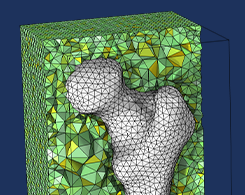
Generating a Simulation Mesh of a Femur From 3D Data
You can create a simulation mesh from 3D data in COMSOL Multiphysics®. This capability comes in handy when modeling irregular shapes.
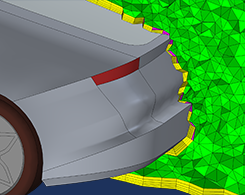
How to Inspect Your Mesh in COMSOL Multiphysics®
You’re meshing your model and a warning or error appears. So, what do you do? One option is to inspect the entities listed in the report to analyze and resolve the meshing issue.
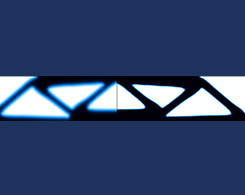
How to Use Topology Optimization Results as Model Geometries
Oftentimes, topology optimization is not the last step in your design process. In fact, you can use the results from a topology optimization study as model geometries for your next analysis.
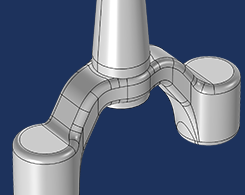
How to Automatically Remove Small Details in Your Model Geometry
Have you ever wished for an automatic way to remove small details in your model geometry that are causing an unnecessarily fine mesh or a poor mesh quality? Enter the Remove Details operation.

Is Meshing Run in Parallel in COMSOL Multiphysics®?
Meshing, an integral part of modeling in COMSOL Multiphysics®, can take up a lot of time and resources. Parallelized meshing speeds things up by distributing the meshing of domains on more cores.


