
The Application Gallery features COMSOL Multiphysics® tutorial and demo app files pertinent to the electrical, structural, acoustics, fluid, heat, and chemical disciplines. You can use these examples as a starting point for your own simulation work by downloading the tutorial model or demo app file and its accompanying instructions.
Search for tutorials and apps relevant to your area of expertise via the Quick Search feature. Note that many of the examples featured here can also be accessed via the Application Libraries that are built into the COMSOL Multiphysics® software and available from the File menu.
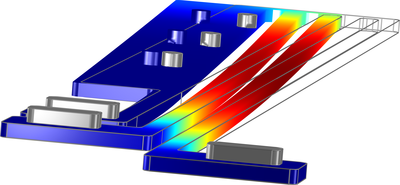
A model of a thermal microactuator requires the coupled simulation of electric current conduction with heat generation, heat conduction, and structural stresses and strains due to thermal expansion. The purpose of this model is to demonstrate how to access the cluster computing ... Read More
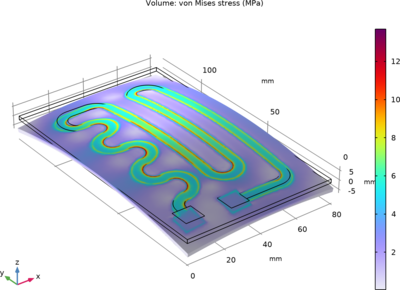
Small heating circuits find use in many applications. For example, in manufacturing processes, they heat up reactive fluids. The device in this tutorial example consists of an electrically resistive layer deposited on a glass plate. The layer results in Joule heating when a voltage is ... Read More
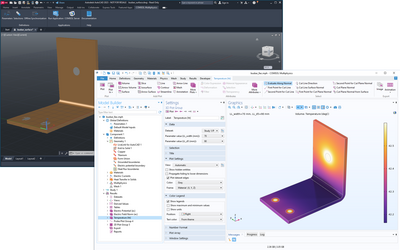
This tutorial model of the Joule heating effect in a busbar demonstrates how to synchronize geometry between the AutoCAD® software and the COMSOL Multiphysics® software, how to modify the geometry from COMSOL Multiphysics®, and how to run a geometric parametric ... Read More
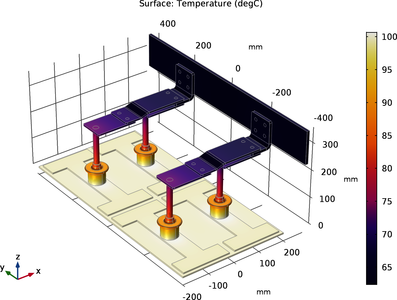
This tutorial analyzes the resistive heating (Joule heating) of a busbar assembly designed to conduct a direct current from a current source to the anode in an electrolysis process. Read More
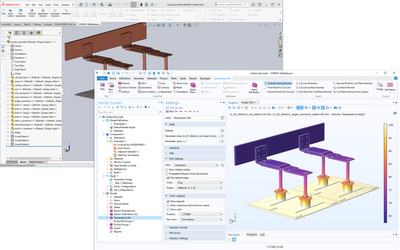
This tutorial model of the Joule heating effect in a busbar demonstrates how to synchronize an assembly between the SOLIDWORKS® software and the COMSOL Multiphysics® software, how to modify the geometry from COMSOL Multiphysics®, and how to run a geometric ... Read More
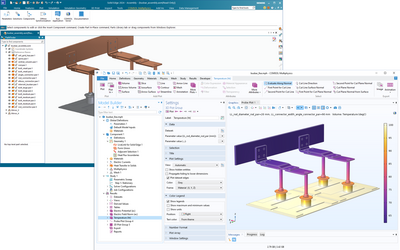
This tutorial model of the Joule heating effect in a busbar demonstrates how to synchronize an assembly between the Solid Edge® software and the COMSOL Multiphysics® software, how to modify the geometry from COMSOL Multiphysics®, and how to run a geometric ... Read More
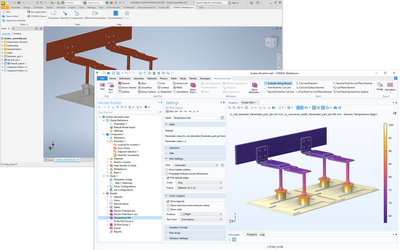
This tutorial model of the Joule heating effect in a busbar demonstrates how to synchronize an assembly between the Inventor® software and the COMSOL Multiphysics® software, how to modify the geometry from COMSOL Multiphysics®, and how to run a geometric parametric ... Read More
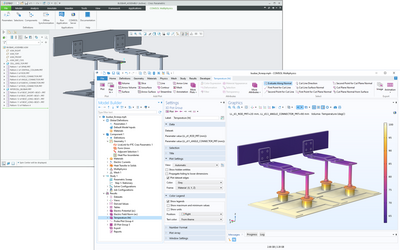
This tutorial model of the Joule heating effect in a busbar demonstrates how to synchronize an assembly between the PTC Creo Parametric™ software and the COMSOL Multiphysics® software, how to modify the geometry from COMSOL Multiphysics®, and how to run a ... Read More
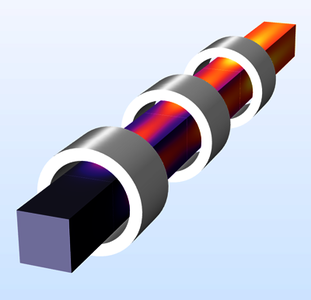
This app demonstrates the following: Geometry parts and parameterized geometries Using tables for user input parameters Visualization on a 2D cross-section of a 3D geometry Improved visualization and user experience when a geometry object (the air object) is hidden. Induction heating ... Read More

This is a template MPH-file containing the physics interfaces and the parameterized geometry for the model Electrical Heating in a Busbar. Read More


