
The Application Gallery features COMSOL Multiphysics® tutorial and demo app files pertinent to the electrical, structural, acoustics, fluid, heat, and chemical disciplines. You can use these examples as a starting point for your own simulation work by downloading the tutorial model or demo app file and its accompanying instructions.
Search for tutorials and apps relevant to your area of expertise via the Quick Search feature. Note that many of the examples featured here can also be accessed via the Application Libraries that are built into the COMSOL Multiphysics® software and available from the File menu.

This demonstration app will fit a surface through a set of points using radial basis functions and will write out a COMSOL-format file of a smooth NURBS surface that passes through all of the points. The function describing the surface can also be written to a text file. The point data ... Read More

This example exemplifies how to model thermal curing using the base package of COMSOL Multiphysics. A more detailed description of the phenomenon and the modeling process can be seen in the blog post "Modeling the Thermal Curing Process". Read More
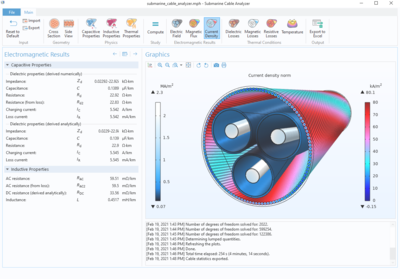
This application demonstrates how the Application Builder in the COMSOL Multiphysics® software can be used to make advanced cable modeling available to a general audience. At its core is a multiphysics model based on the technology introduced in the Cable Tutorial Series. The ... Read More
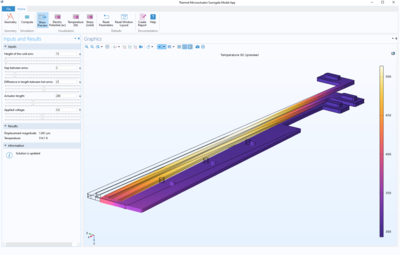
The Thermal Actuator Surrogate Model Application demonstrates how the computational speed can be increased with the use of a surrogate model. This app demonstrates the following: Adjusting input parameters via sliders, with near-instantaneous updates to the solution retrieved from the ... Read More
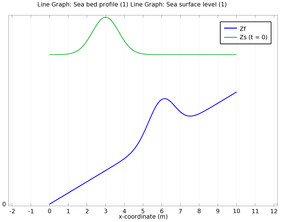
The Shallow Water equations are frequently used for modeling both oceanographic and atmospheric fluid flow. Models of such systems lead to the prediction of areas eventually affected by pollution, coast erosion and polar ice-cap melting. Comprehensive modeling of such phenomena using ... Read More
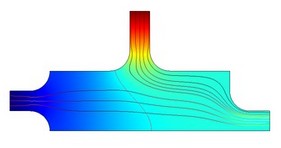
This model shows how a flow model can be coupled to a process control mechanism. Controlling application parameters according to other application parameters is important within process engineering. Most control mechanisms use the data at a wall or an outlet to control inlet ... Read More
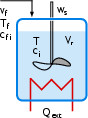
As reactant monomer converts into polymer chains, the density of the reacting mixture often changes notably. In this example you will look at how this effect impacts the total production of polymer in a process. The liquid phase polymerization takes place in a semibatch reactor, where ... Read More
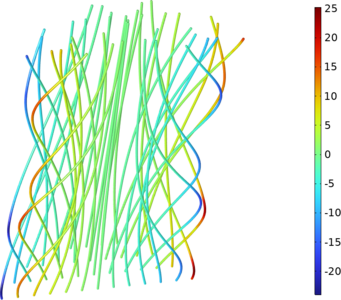
Turbulent flow, SSG-LRR interface is employed to investigate turbulent flow in a straight semicircular duct. The resulting flow pattern is characterized by slow secondary motions in the plane normal to the duct axis. The order of magnitude of velocity of those motions is 1% of the ... Read More
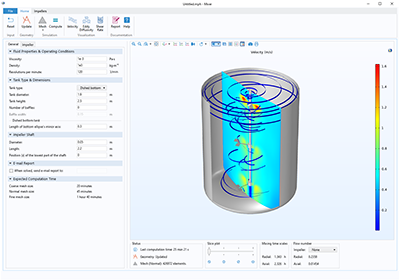
This app demonstrates the following: Multiple tabs in the ribbon Geometry parts and parameterized geometries Parts and cumulative selections can be used to automatically set domain and boundary settings in the embedded model Adding or removing geometry parts with different geometrical ... Read More
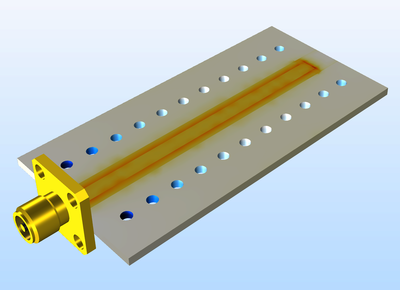
SMA connectors are popularly used on printed circuit boards (PCB) for testing. This model shows how to excite an SMA connector on a microwave substrate and how to terminate a grounded coplanar waveguide (GCPW) with 50 ohm using a lumped port and an air-bridge. Read More


