
The Application Gallery features COMSOL Multiphysics® tutorial and demo app files pertinent to the electrical, structural, acoustics, fluid, heat, and chemical disciplines. You can use these examples as a starting point for your own simulation work by downloading the tutorial model or demo app file and its accompanying instructions.
Search for tutorials and apps relevant to your area of expertise via the Quick Search feature. Note that many of the examples featured here can also be accessed via the Application Libraries that are built into the COMSOL Multiphysics® software and available from the File menu.
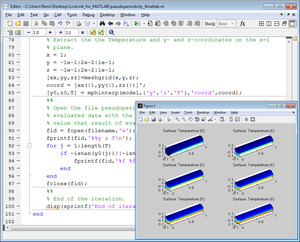
This model simulates convective heat transfer in a channel filled with water. To reduce memory requirements, the model is solved repeatedly on a pseudo-periodic section of the channel. Each solution corresponds to a different section, and before each solution step the temperature at the ... Read More
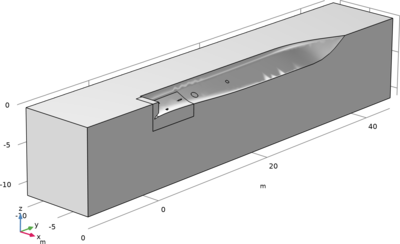
Example for a geometry sequence to create a ship hull using Loft. The different cross sections are defined using Dimensions and Constraints. Read More
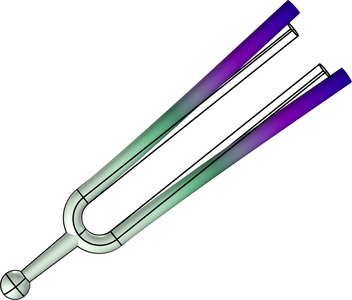
Extending the Tuning Fork model, this example shows how to set up an Optimization Study to determine the prong length at which the fork vibrates at the standard concert pitch, 440 Hz. Read More
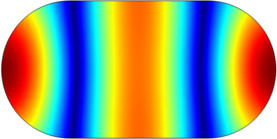
In this model, compute the propagating modes in the chamber of an automotive muffler. The geometry is a cross-section of the chamber in the Absorptive Muffler example. The model’s purpose is to study the shape of the propagating modes and to find their cut-off frequencies. As discussed ... Read More

This is a benchmark model to test the numerical algorithms in the area of multibody dynamics. This model simulates the dynamic behavior of the slider crank mechanism. This mechanism goes through singular positions during its operation. The acceleration at a point is compared with the ... Read More
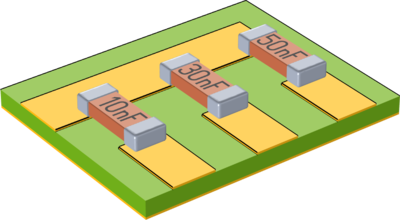
These models demonstrate the usage of the user defined lumped port and lumped elements to introduce excitations and lumped circuit elements between volumetric conductors. Additional models show how to use impedance and transition boundary conditions to model the conductors, instead of ... Read More
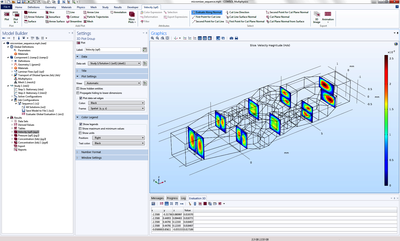
These examples demonstrate how to use a job sequence to perform a programmatic sequence of operations, including solving; saving the model to file; and generating and exporting plot groups, results, and images. In the blog post associated with these files, "How to Use Job Sequences to ... Read More
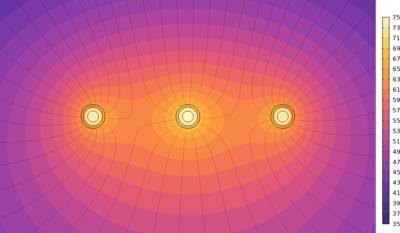
This model evaluates the temperature distribution in 3 buried cables in a situation where the soil surface temperature is known. The temperature profile obtained with a thermal circuit approach for the cables is compared with a FEM approach. The thermal circuit properties are established ... Read More


