
Learning Center
Getting Started With COMSOL Multiphysics®

Introduction / About This Series
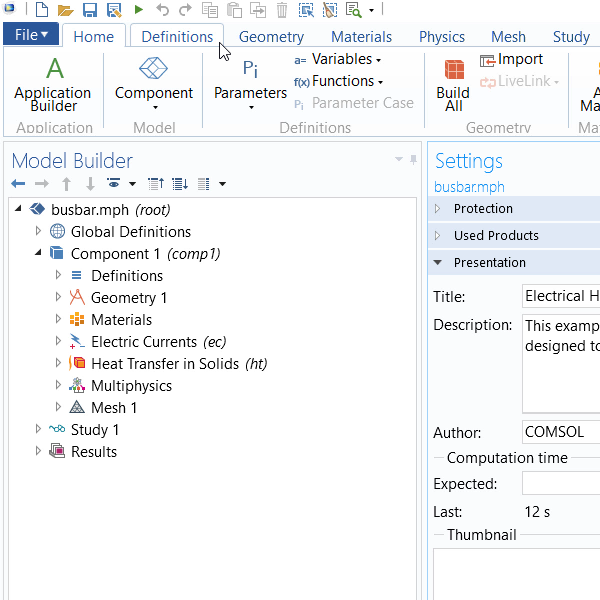
Background and information before getting started. Duration: 2:22Watch this self-guided series of tutorial videos to learn how to use the COMSOL Multiphysics® software from the comfort of your desk. To start, we guide you through the COMSOL Multiphysics® user interface, explaining the purpose and use of each aspect. These instructional videos then take you through each step of the modeling workflow, including:
- Building the geometry
- Including definitions
- Adding materials
- Defining the physics
- Meshing
- Performing a study
- Postprocessing the results
You will also learn how to transform a model into an easy-to-use interface, a simulation app, with the built-in Application Builder tool.
To get started, all you need is an internet connection. If you want to follow along with the series within the COMSOL Multiphysics® software, you can log into your COMSOL Access account and download exercise model files when needed.
For each video, you will find specific pieces of content in the Further Learning Resources section to help support and further expand your understanding of the discussed topic. There, you will also find resources that are particularly important or relevant to certain engineering and science disciplines, with details on the intended learning takeaways.
Video Playlist
Introduction
Videos: 2

-
Introduction
-
User Interface
-
Geometry
-
Definitions
-
Materials
-
Physics
-
Mesh
-
Study
-
Results
-
Application Builder


