Learning Center

Getting Started With COMSOL Multiphysics®
Press O for more options
Video Thumbnail
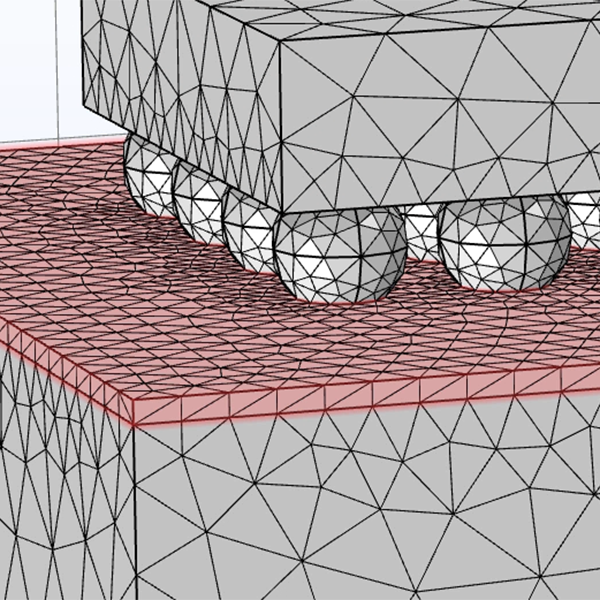
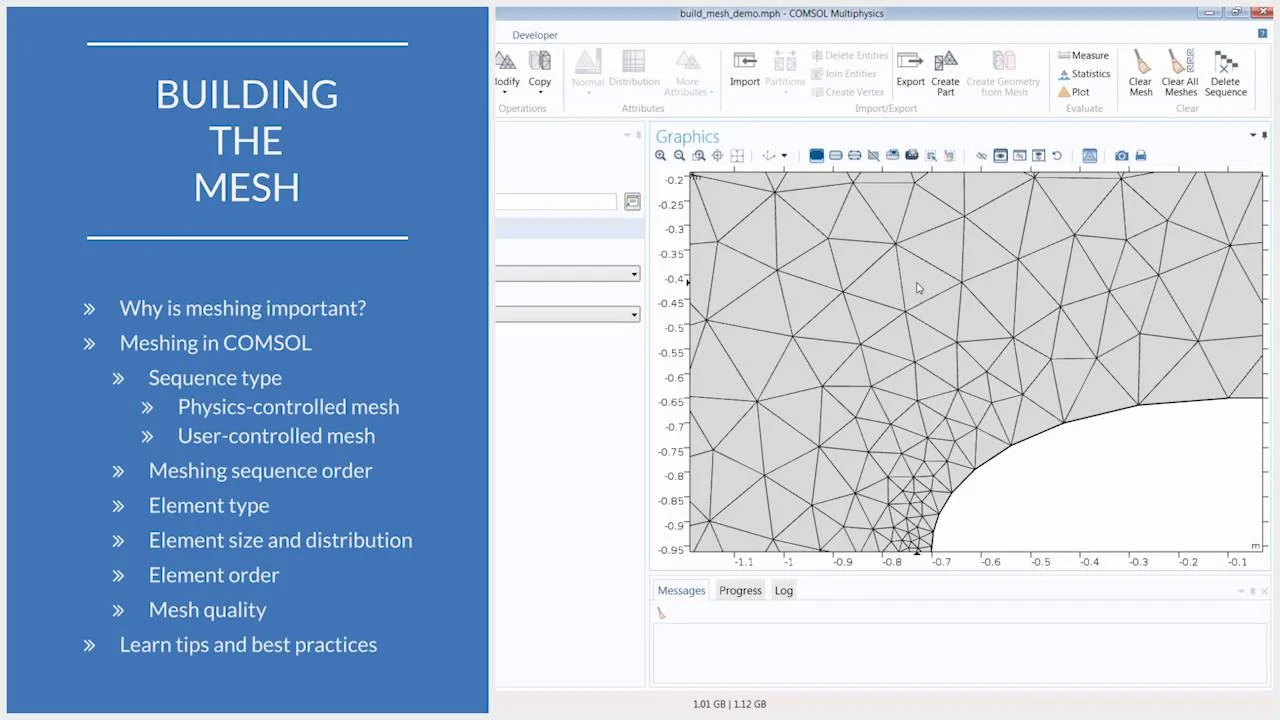
Meshing in COMSOL Multiphysics is a critical step in solving problems described by partial differential equations, as it allows for the approximation of solutions using the finite element method. This process involves discretizing the model geometry into smaller parts called elements, which are then used to form a piecewise global function. Key considerations in meshing include how the geometry is divided, the means of division, and the interpolation of solutions between nodes. These factors are managed through mesh settings and physics settings within the software. COMSOL Multiphysics offers both automated and manual meshing options. Users can automate the process by selecting a physics-controlled mesh, which adapts to changes in physics settings and boundary conditions. Alternatively, users can create a custom mesh by editing a physics-controlled mesh sequence or starting from scratch. The software provides nine predefined element size settings, and users can adjust mesh element sizes globally or locally to suit their model's needs. For example, finer meshes yield more accurate results but require more computational resources. The mesh sequence in COMSOL Multiphysics is built sequentially from top to bottom, with each operation influencing subsequent steps. Users can modify mesh operations by adding sub-nodes for attributes like size and distribution. The order of operations is crucial, as changing it can lead to errors if dependencies are not respected. Element types vary by model dimension: intervals for 1D, triangles or quadrilaterals for 2D, and tetrahedrons, hexahedrons, pyramids, or prisms for 3D models. Users can also control the number of elements using distribution sub-nodes, balancing resolution needs with computational efficiency. In complex geometries, such as circuit boards with chips and solder joints, it is advisable to set a dominant mesh size globally and apply finer meshes locally where needed. This approach ensures critical areas are resolved with higher accuracy while maintaining coarser meshes elsewhere. Users can employ swept meshes for specific domains, reducing the number of elements and memory requirements. The element discretization order, determined through physics settings, affects solution interpolation and is particularly important in multiphysics problems, where different element orders may be optimal. To ensure mesh quality, users can perform manual mesh refinement studies or enable adaptive mesh refinement in study settings. This process helps validate the mesh's adequacy in approximating the mathematical model's solution. Mesh statistics, accessible via the mesh node, provide a quick overview of element quality and distribution, aiding in the assessment of the mesh's effectiveness. Through these capabilities, COMSOL Multiphysics allows users to generate and refine meshes tailored to their specific modeling needs.

Mesh / Basics of Meshing

Importance of meshing and how to build the mesh. Duration: 23:33

After creating the geometry and assigning the physics to your model, the next significant step is to build the mesh. The mesh used for a model geometry plays an instrumental role in how the model is solved, as it determines factors such as:

  • How the geometry is divided
  • With what shape or element type the geometry is divided
  • The size, density, and number of elements in the geometry
  • The element quality

These factors directly affect the computation of a problem, including how long it takes a model to solve, the amount of memory required to compute a problem, how the solution is interpolated between nodes, and the accuracy of the solution.

In the COMSOL Multiphysics® software, you can streamline the process of meshing your model geometry by having the software do it automatically or you can choose to build a custom mesh manually. This is done through a physics-controlled or user-controlled mesh sequence type, respectively. Regardless of which mesh sequence type you choose, there are many meshing options, settings, tools, and generators that you can use to create an optimal mesh for your geometry and analysis.

In this video, we provide an overview of the meshing workflow, fundamentals, and best practices while demonstrating how to build the mesh for three examples: an arbitrary geometry, a simple 2D geometry, and a real-world 3D geometry. Additionally, as we create the mesh for each of these model components, we discuss:

  • The importance of the order of operations in a meshing sequence
  • The different types of elements available depending on the spatial dimension of the model
  • Implementing predefined and custom sizes of elements
  • How the geometry finalization method affects the mesh
  • Using a structured mesh on certain parts of the geometry
  • Experimenting with multiple meshes for the same geometry
  • The importance of the discretization order when dealing with multiphysics models
  • How you can refine and improve the quality of a mesh

Exercise Files
mesh_build_complete.mph Download
mesh_build_start.mph Download