Learning Center

Getting Started With COMSOL Multiphysics®
Press O for more options
Video Thumbnail
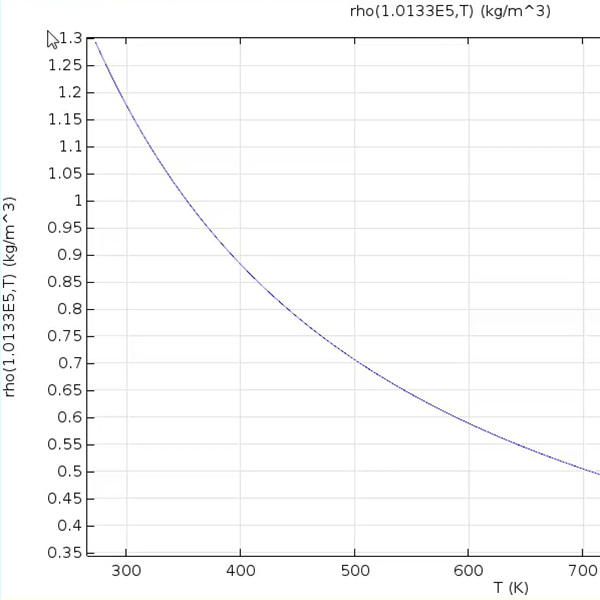
In the COMSOL Multiphysics software, defining material properties using functions such as interpolation, analytic, and piecewise functions is essential for accurately modeling materials with varying characteristics. These functions allow users to input material properties from tables, define them via expressions, and apply different expressions over specific intervals. This process is demonstrated using the busbar box tutorial model, where a new material is created to illustrate the step-by-step procedure for defining functions for temperature-dependent thermal conductivity, pressure and temperature-dependent density, and temperature-dependent heat capacity. To define a temperature-dependent thermal conductivity, an interpolation function is utilized. Users can add a function by right-clicking the respective property group node or using the Materials tab. In the settings window, users can change the function label and name, with the recommendation to name it according to the material property being defined, such as "K" for thermal conductivity. Data can be entered manually into a table or loaded from a file. The interpolation method determines how the function evaluates between data points, while the extrapolation method controls behavior outside the specified data range. Units for the arguments and function must also be specified. This method is particularly useful for material properties measured at discrete data points. For defining a temperature and pressure-dependent density, an analytic function is employed. The function label is changed to "example density," and the function name to "row." Users enter the equation for the function in the expression field, specify independent variables and their units, and set plot parameters for the argument ranges. This approach is beneficial for describing material properties dependent on one or more variables. A piecewise function is used to define a temperature-dependent heat capacity. The function name is changed to "CP," and temperature is set as the argument. The extrapolation method is set to none, and smoothing is added to the plot. Users enter start and end interval limits and expressions for each interval in the intervals table, ensuring no overlap or gaps between intervals. This function type is advantageous when a material property has different definitions across value ranges. Upon completion, the function names and arguments are entered as values for each property, successfully utilizing interpolation, analytic, and piecewise functions to define material properties in the software.

Materials / Material Functions

Use functions to define material properties. Duration: 6:34

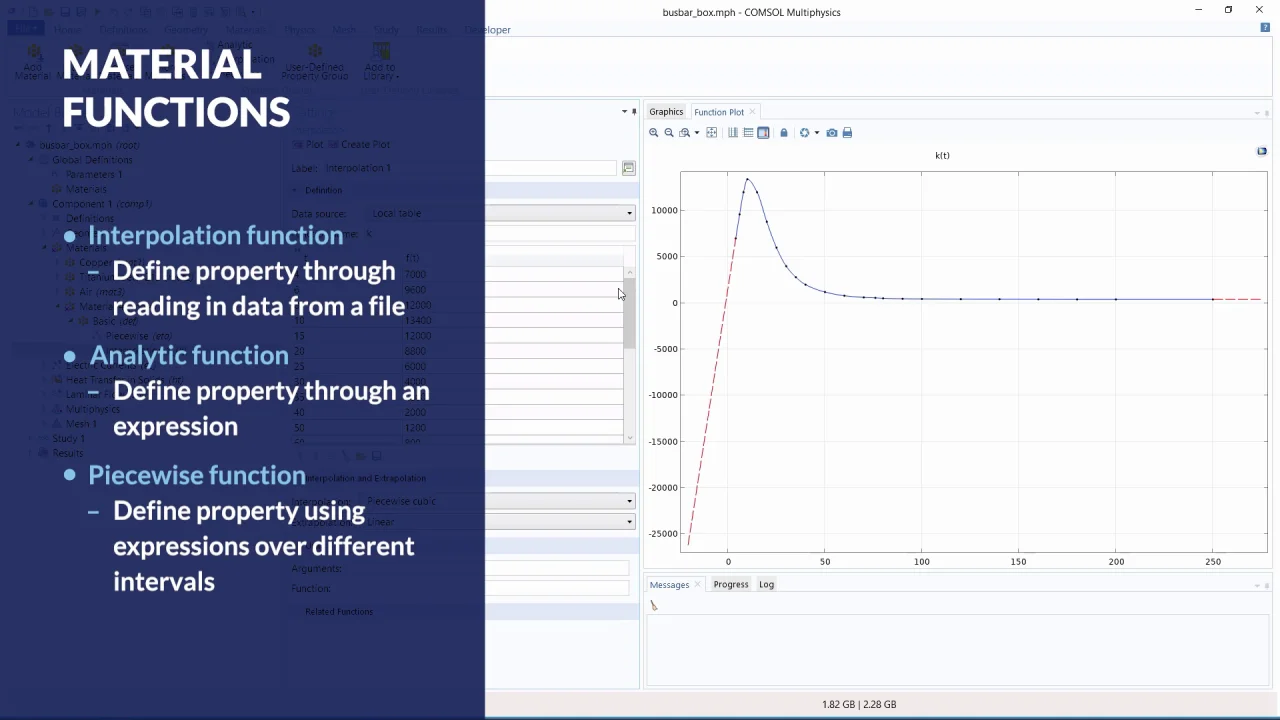
In the COMSOL Multiphysics® software, you can use interpolation, analytic, and piecewise functions to specify a material property.

Interpolation functions can be used to describe material properties that are defined by a table or file containing values of the function at discrete points. Either enter the data manually or import it from a data file. Then, specify the function behavior between data points and outside of your range of data.

Analytic functions are used to specify material properties as functions of one or more arguments or as independent variables, such as temperature or pressure. First, enter the mathematical expression that defines the function. Then, enter the arguments to the function and specify the value range for each argument.

Piecewise functions are useful for describing a material property that has different definitions on different intervals. You can enter the start and end points for each interval and the function relevant to each interval, as well as choose the interpolation and extrapolation methods.

This video shows you how to create each of these function types for any material property you want.


Exercise Files
material_fcns_complete.mph Download
material_fcns_start.mph Download